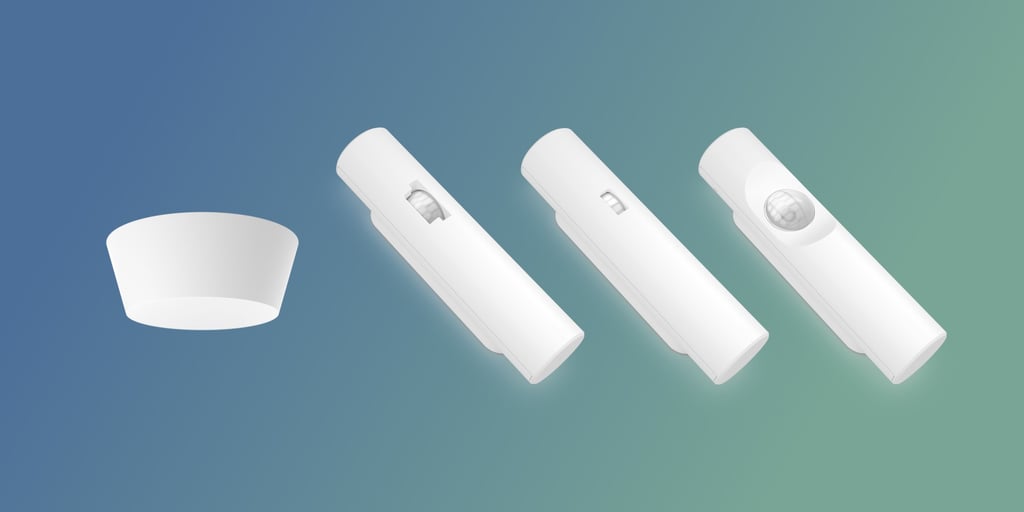
Sensors in the workplace—installed at desks, meeting rooms, or doors—are transforming offices. They give companies insights into how facilities are used and help employees find available spaces in real time. But why do many organizations still face challenges with them? One reason stands out.
The most common error with sensors in the workplace
Inconsistent office occupancy monitoring is a problem
Using sensors from multiple vendors introduces inconsistency. One provider may upload data every 5 minutes, another every 15, while others add extra processing or filtering before delivering the results. The outcome? Conflicting answers and delayed data, which make your occupancy data much less precise than it could be. This makes it harder to maximize workplace analytics or support employees with real-time space availability.
Why every office needs an end-to-end workplace sensor solution
A blurry understanding of space usage is all you get with the naked eye. The goal of sensors in the workplace is to provide objective metrics you can trust and use in your workplace strategies. So, ask yourself: does your company have the in-house technical skills or the time to ensure the technology in your occupancy sensing system is aligned (in terms of upload frequency, processing, data formats, etc.)?
A workplace sensor solution you know you can trust
What are the key workplace
sensors for occupancy?
Start by looking at the questions you want the data to answer. Do you need to understand real-time occupancy, long-term utilization trends, or employee movement patterns? Different sensor types capture different insights. The right choice balances accuracy, scalability, and privacy. A future-proof approach is to select sensors that integrate easily with your existing workplace systems and can evolve as your needs change.
It depends on your goals and your floorplan. If you want detailed desk-level insights, you’ll need more sensors than if you only want to measure general room usage. A good rule of thumb is to cover every “decision point” – places where people choose to sit, meet, or move through. Advanced sensor platforms can also help you right-size the number of devices by using AI to extrapolate data from fewer sensors without losing accuracy.
Placement is just as important as quantity. Sensors should be positioned to capture the natural flow of the space – at entrances, in meeting rooms, and across open work areas. Avoid blind spots caused by walls, pillars, or furniture. To ensure trust, think about visibility: sensors should be discreet but not hidden, signaling transparency while still blending into the environment.
A motion sensor only detects movement – if nothing moves, it assumes the space is empty. An occupancy sensor goes further: it can confirm that a person is present even when they’re still, and in many cases can report on patterns of use over time. In other words, motion sensors tell you something happened, while occupancy sensors tell you what’s really going on.